How to Create a Magical Family Christmas Card with a Year of Memories on WishWeaver
Imagine gifting a digital memory bank filled with every laugh, adventure, and milestone from January to December. WishWeaver makes it simple to transform your family's year into a curated experience that will bring joy for holidays to come.

The holiday season is a time for reflection, gratitude, and cherishing the moments that make up our year. This Christmas, move beyond the static photo card and create something truly extraordinary: a WishWeaver family group Christmas card that covers an entire year of lasting memories, complete with pictures, videos, and music!
Imagine gifting a digital memory bank filled with every laugh, adventure, and milestone from January to December. WishWeaver makes it simple to transform your family's year into a curated experience that will bring joy for holidays to come.
Follow these simple steps to create your family magic
- Choose Your "Christmas Memories" Theme: Log in to WishWeaver and click on “create”.
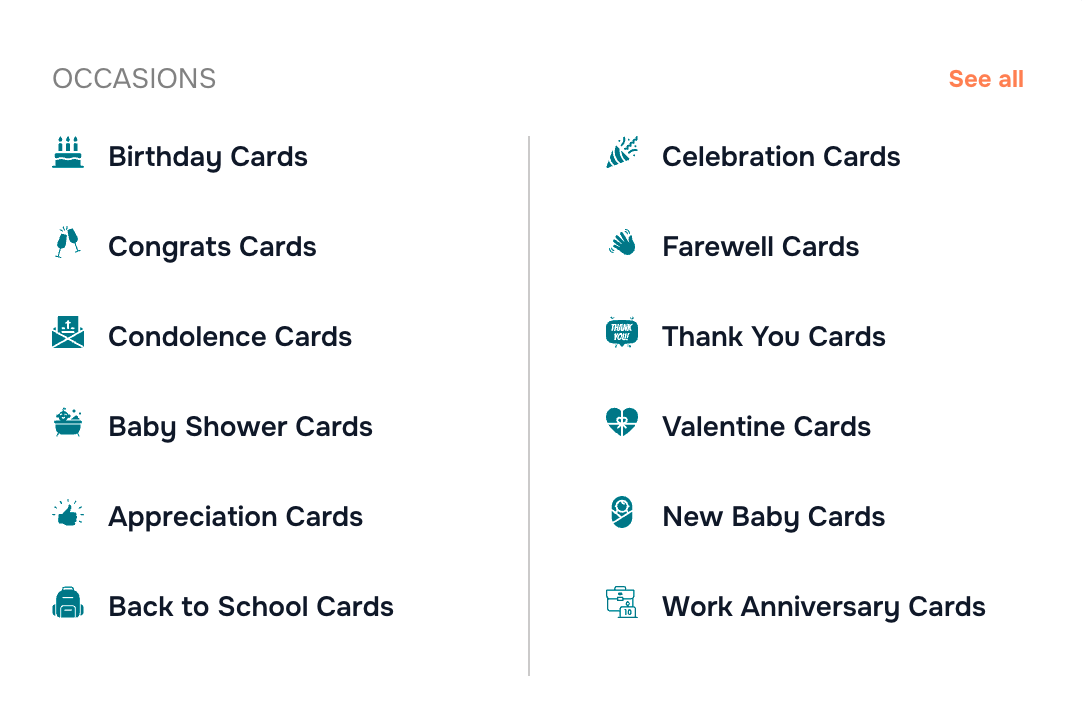
- Select all occasions and then scroll to “Christmas card” or just search it in the search bar.
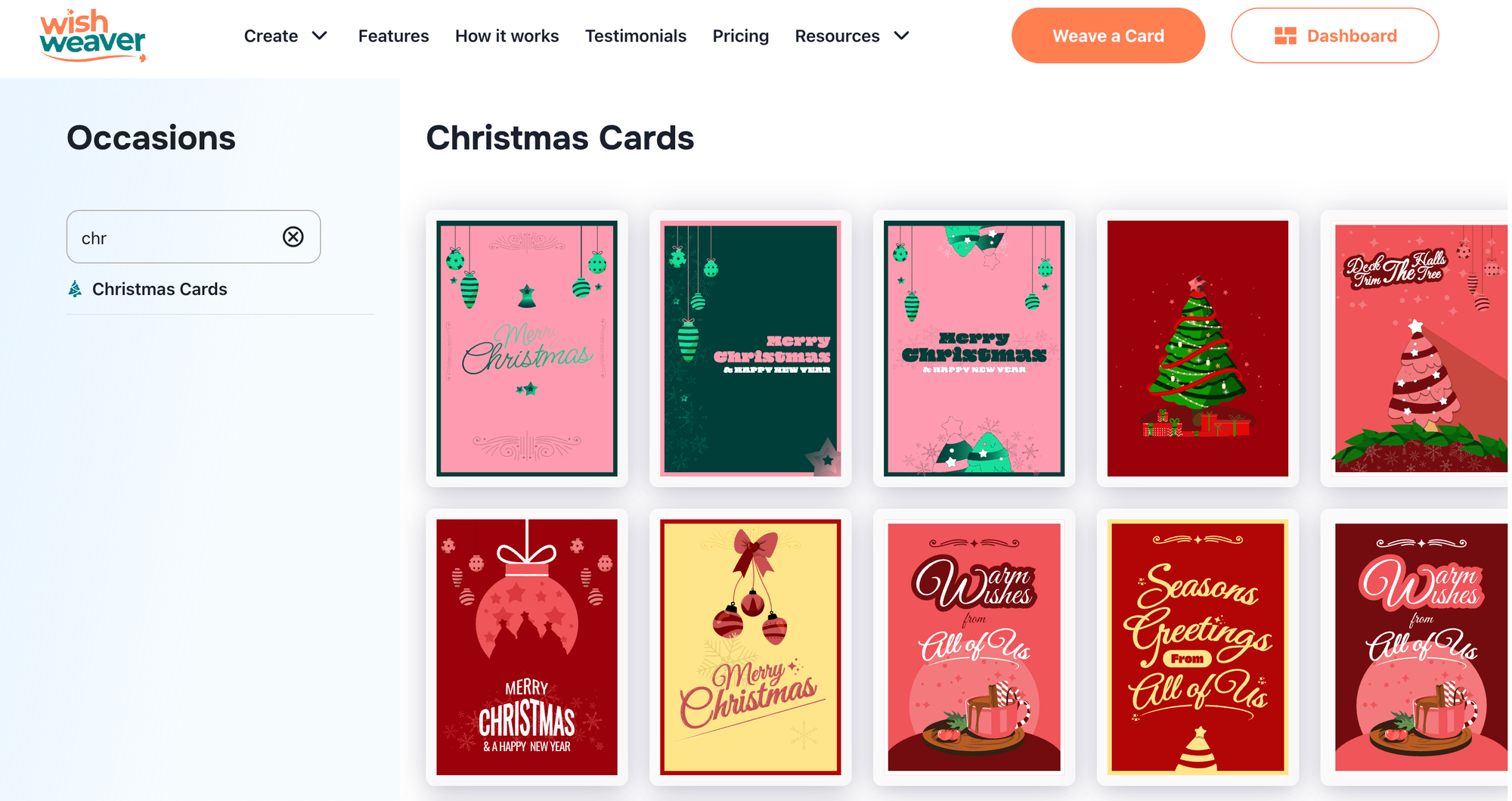
- Pick a festive template that resonates with your family's spirit. WishWeaver premium card designs offer beautiful backdrops for your year-end review.
- You can also create your own template from scratch.
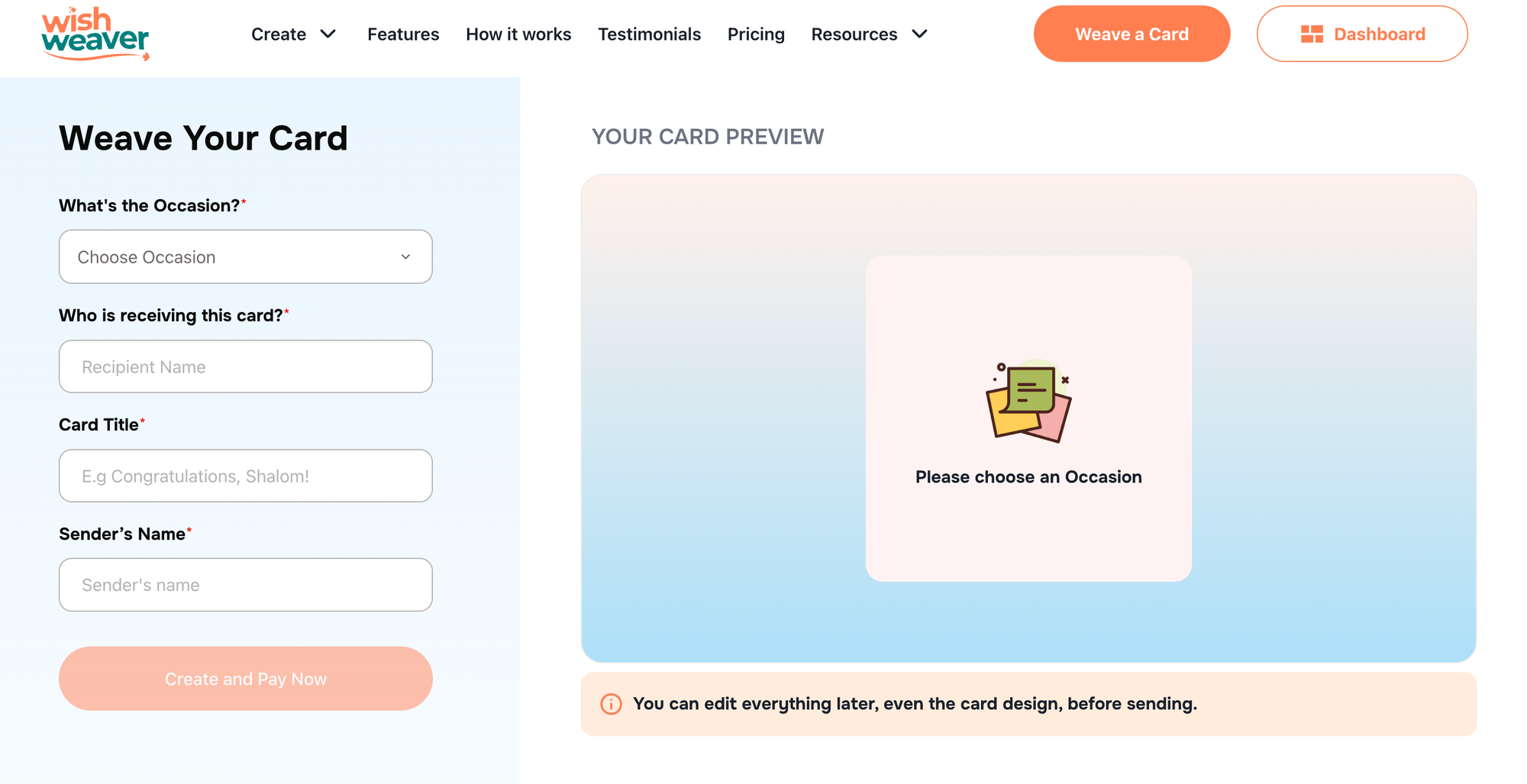
- Fill out details like “Who is receiving this card”, “Card title” and “Sender’s name”
- Go ahead and make a payment, then create your card.
- Copy the card URL and send it to family members you would like to contribute to cards.
Join over 5,000 people who have created memories on Wishweaver.

